SEO & Digital Marketing
Search Google or Type a URL: Meaning, Differences & Best Practices in 2026
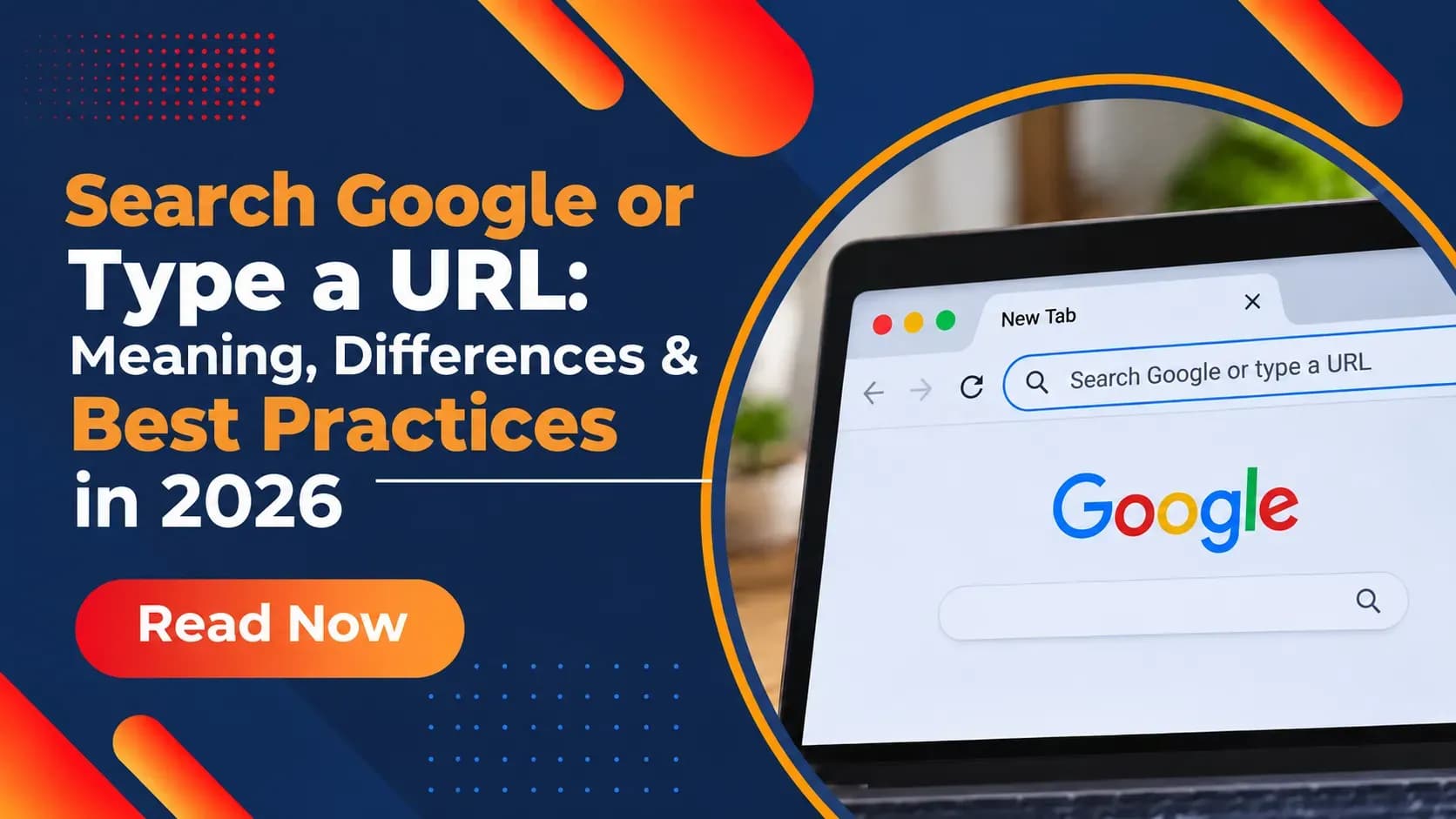
Have you ever opened Google Chrome and noticed the message "Search Google or type a URL" in the address bar?
You probably see it every day, but have you ever wondered what it actually means?
The message gives you two simple ways to explore the internet. You can search Google to discover information, or you can enter a website address to visit a specific page directly.
Both options are useful, but they work differently.
In this guide, we'll explain what Search Google or Type a URL means, how each option works, their differences, and which one you should use in 2026.
We'll also explore Google Chrome's Omnibox, AI-powered search, common browser problems, and how these browsing methods relate to website traffic and SEO.
What Does Search Google or Type a URL Mean?
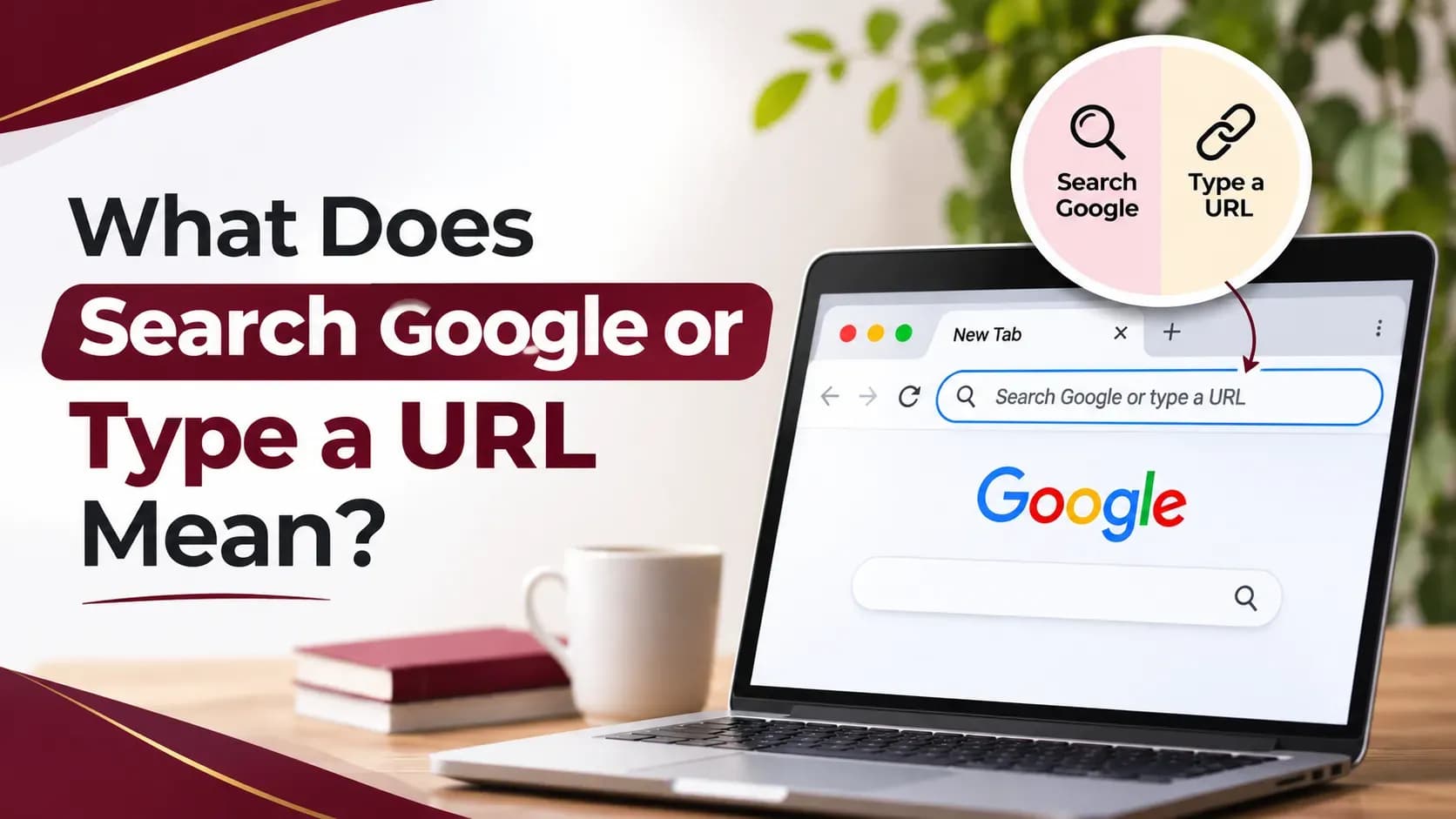
"Search Google or type a URL" is a message displayed in Google Chrome's address bar that allows users to either search the web using their default search engine or navigate directly to a website by entering its URL.
For example, imagine you want to learn about digital marketing.
You could type:
best digital marketing strategies
Chrome will search for information related to your query using your selected search engine.
Alternatively, if you already know the website you want to visit, you can type:
https://brainadz.marketing/
Chrome will open that website directly.
The main difference is simple:
- Search Google: Find information, websites, products, or answers using keywords.
- Type a URL: Open a specific website or webpage using its address.
Both actions can happen in the same address bar, making browsing faster and easier.
What Is the Google Chrome Omnibox?
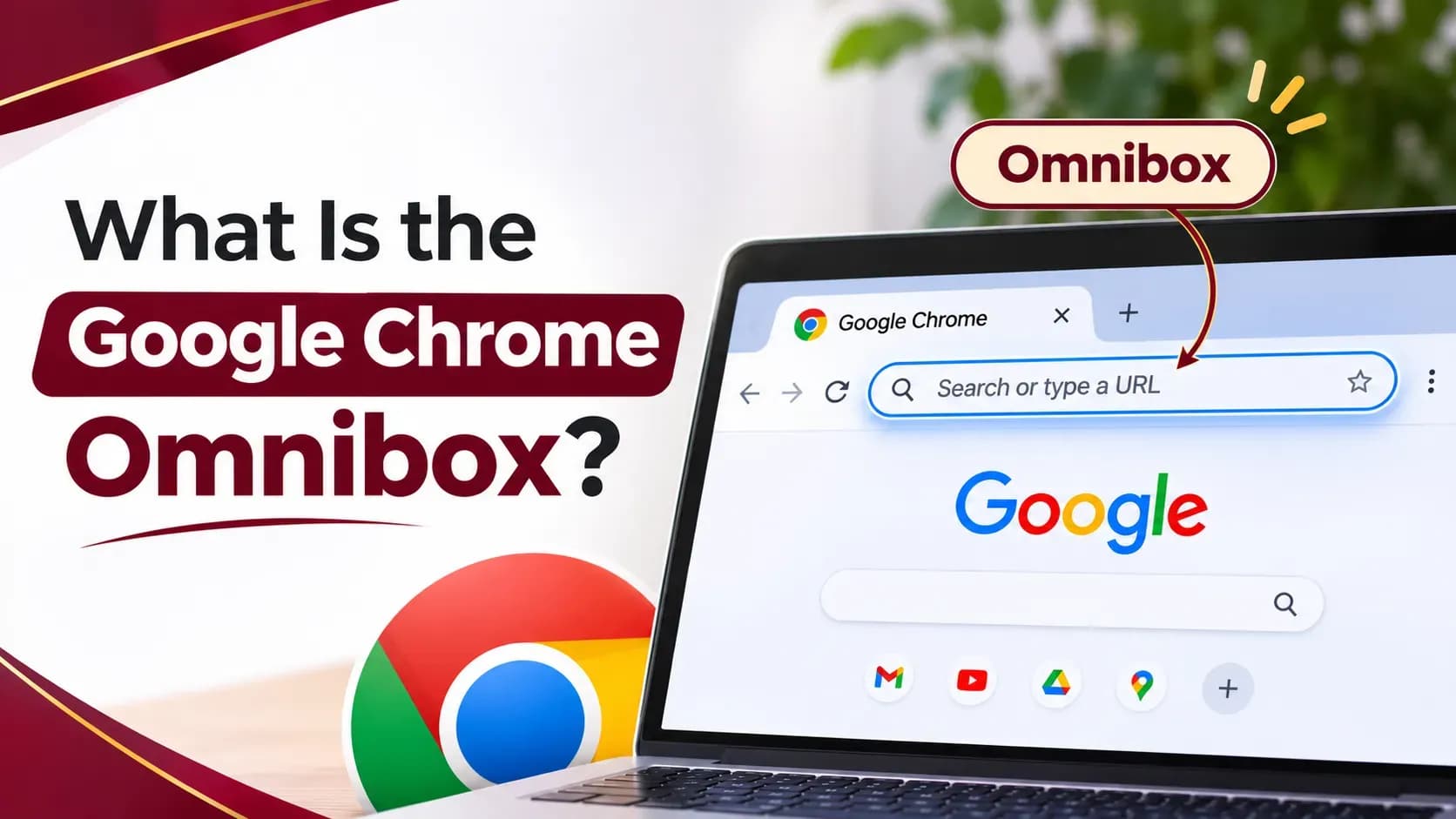
The Omnibox is the combined address and search bar located at the top of Google Chrome.
Unlike traditional browser address bars, which were primarily designed for entering website addresses, Chrome's Omnibox supports both web searches and direct navigation.
It can also provide suggestions while you type.
Key Features of the Chrome Omnibox
1. Search the Web
Enter a keyword or question, and Chrome can search using your default search engine.
2. Open Websites Directly
Type a valid website URL to navigate to a particular page.
3. Autocomplete Suggestions
Chrome can suggest previous searches, browsing history, and relevant search predictions as you type.
4. Perform Quick Calculations
You can enter calculations such as 125 × 12 and potentially see an answer in the suggestions.
5. Search Browser History
Chrome supports shortcuts and features that help users find previously visited pages.
6. Access Website-Specific Search
Depending on your browser settings, you may be able to search supported websites directly through the address bar.
These features make the Omnibox a convenient tool for everyday browsing.
What Happens When You Search Google?
When you enter a keyword or question in Chrome's address bar, the browser can send that query to your selected search engine.
If Google is your default search engine, Google processes the query and displays relevant search results.
For example, suppose you want to find an SEO agency in Delhi.
You might search:
best SEO agency in Delhi
Google can display different types of results, including organic website listings, local business results, sponsored advertisements, images, videos, and AI-generated answers when available.
You can then choose which result best matches your needs.
How to Search Google in Chrome
Follow these simple steps:
- Open Google Chrome on your computer or smartphone.
- Click or tap the address bar.
- Type your keyword, question, or search phrase.
- Press Enter or tap the search icon.
- Review the results and select a relevant website.
You do not need to type google.com first when Google is already your default search engine.
Advantages of Searching Google
Discover Websites
Google helps users explore websites they may not already know.
Compare Multiple Options
You can compare businesses, products, services, reviews, and information from different sources.
Find Ants Quickly
Search results may provide featured snippets, knowledge panels, and other helpful information.
Express Related Topics
Search suggestions and related searches can help you discover additional information.
Find Local Businesses
Location-based queries can help users discover nearby services and businesses.
Disadvantages of Searching Google
Although Google Search is useful, it has some limitations.
- Sponsored results may appear alongside organic results.
- Some searches require reviewing several pages or sources.
- Search results may not always match your exact intention.
- Information can be outdated, misleading, or inaccurate.
- Search results can vary based on location, settings, and query wording.
For these reasons, users should evaluate the reliability of information before trusting it.
What Happens When You Type a URL?
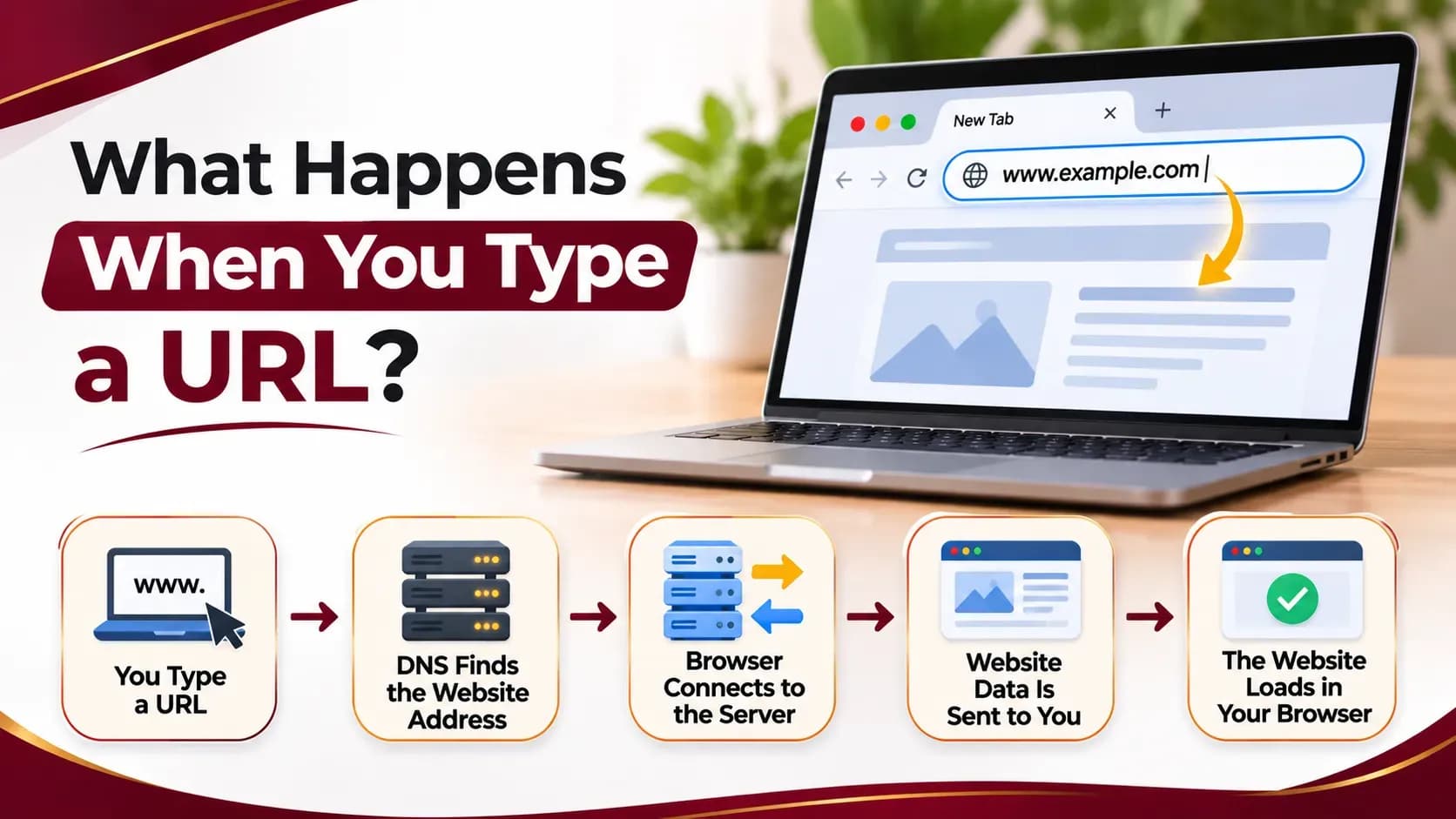
A URL, or Uniform Resource Locator, is the address used to identify and access a resource on the internet.
When you type a valid website URL into Chrome's address bar, the browser attempts to open that destination directly rather than performing a normal keyword search.
For example:
https://brainadz.marketing/
This address takes you to the BrainADZ Marketing website.
Similarly:
opens Google.
How to Type a URL in Google Chrome
- Open Google Chrome.
- Click the address bar at the top.
- Enter or paste a valid website address.
- Press Enter.
- Chrome will attempt to open the requested website.
Modern browsers usually allow you to enter a domain without manually typing https://.
For example, entering brainadz.marketing can open the website directly.
However, when sharing links, including the complete HTTPS address is generally clearer.
Advantages of Typing a URL
Faster Access to Known Websites
If you know the website address, you can skip the search results page.
Direct Navigation
You can navigate straight to the page you intended to visit.
Convenient for Frequent Websites
This is particularly useful for websites you visit regularly.
Useful for Specific Pages
A complete URL can take you directly to a blog, product, document, or service page.
Avoids Unnecessary Search Results
Typing a known URL reduces the need to identify the correct site from multiple search listings.
Disadvantages of Typing a URL
Typing a URL is not always the best choice.
- You need to know or obtain the correct website address.
- Typing mistakes can lead to errors or unintended websites.
- A broken URL may return a 404 error.
- You cannot easily discover unfamiliar websites through direct navigation.
- A convincing but fraudulent URL can lead to a phishing website.
Always check the domain carefully, particularly before entering passwords or payment information.
Search Google vs Type a URL: Key Differences
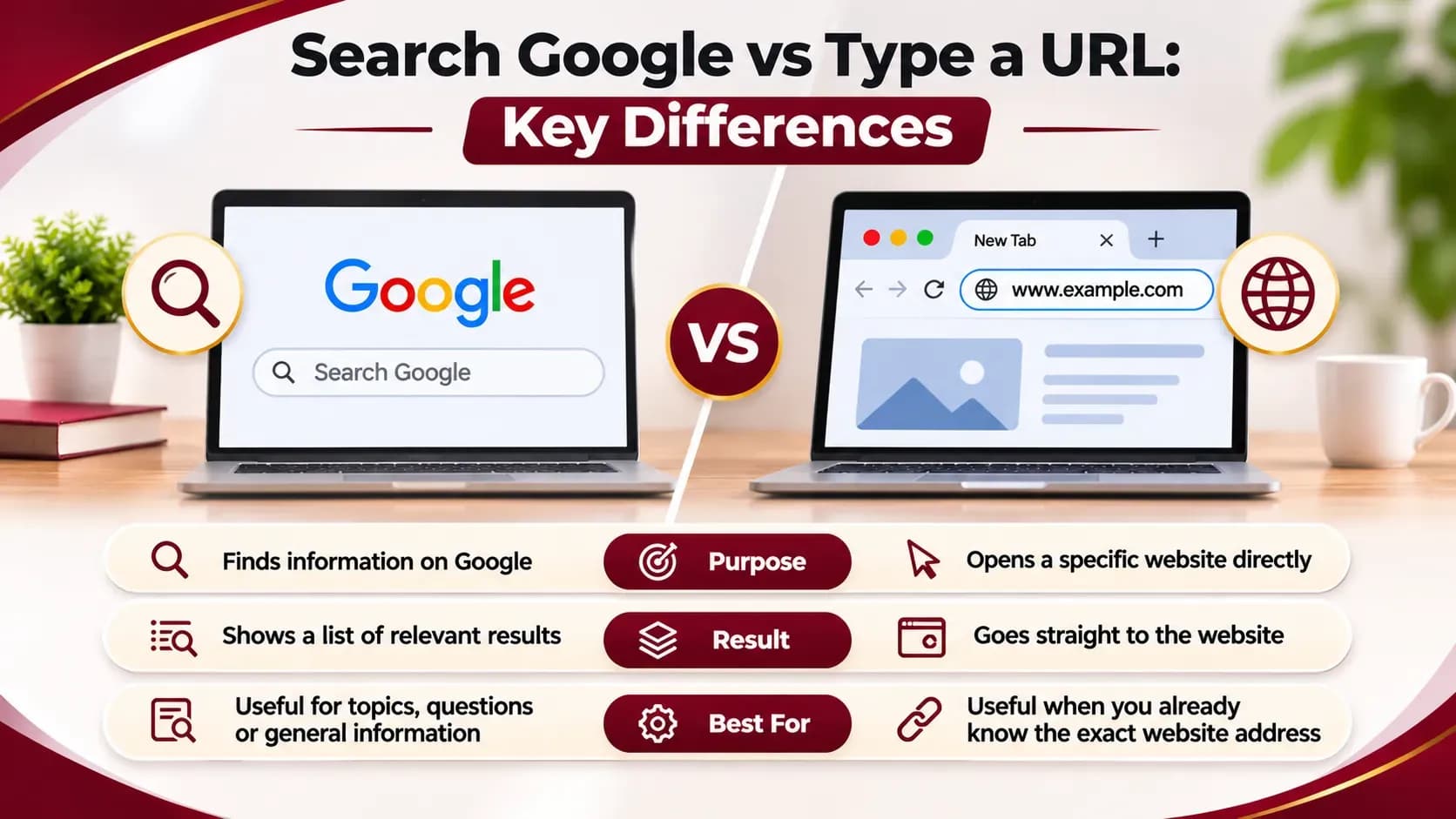
Although both options are available in Chrome's address bar, they serve different purposes.
Feature | Search Google | Type a URL |
Main purpose | Discover information | Visit a specific webpage |
Input | Keywords or questions | Website address |
Website address required | No | Yes |
Displays search results | Usually | Normally no |
Best for | Research and discovery | Direct website access |
Compare multiple websites | Yes | Not directly |
Useful for new users | Yes | Yes, if URL is known |
Requires exact destination | No | Usually |
Navigation steps | May require selecting a result | Usually opens destination directly |
Example | SEO services in India | https://brainadz.marketing/ |
Simple Example
Imagine you want to hire an SEO company.
If you search Google for an SEO company in India, you can discover different agencies and compare their services.
But if you already know the website of the company you want to visit, typing its URL is usually more convenient.
The better option depends on whether you want to discover something new or visit a known destination.
Which Is Better: Search Google or Type a URL?
There is no single winner.
Both methods are designed for different situations.
Choose Google Search When:
- You do not know the website address.
- You want to research a topic.
- You want to compare products or services.
- You need reviews, guides, or tutorials.
- You are looking for businesses in a particular location.
- You want to discover new websites.
For example, searching for the best SEO tools for beginners can help you find and compare multiple tools.
Choose Type a URL When:
- You already know the website you want to visit.
- You have a specific webpage link.
- You need to access an online dashboard or portal.
- You regularly visit the same website.
- You want to avoid navigating through a search results page.
For example, if you have already bookmarked or saved your business dashboard URL, opening it directly is more convenient.
Our Recommendation
Use Google Search for discovery and research.
Use direct URLs for known destinations and regular website visits.
You can also use bookmarks to make repeated visits even easier.
Why Does Google Chrome Show Search Google or Type a URL?
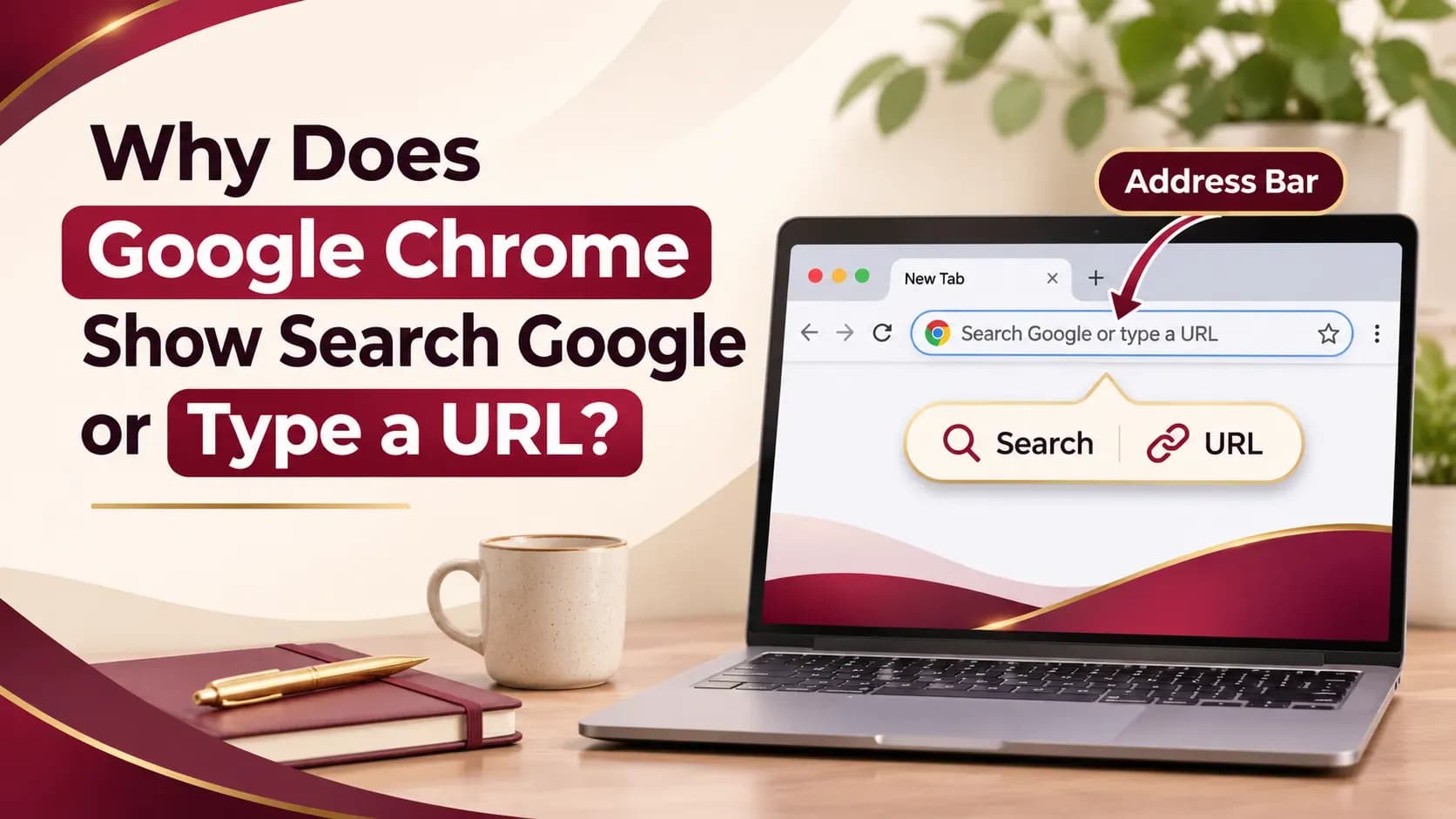
Chrome displays this message to indicate that its address bar supports both searches and website navigation.
Rather than providing separate search and address fields, Chrome combines these functions in one place.
This helps users browse the internet without switching between different input boxes.
Can You Change the Default Search Engine?
Yes.
Google Chrome allows you to select another supported search engine.
On desktop:
- Open Google Chrome.
- Click the three-dot menu.
- Open Settings.
- Select Search engine.
- Choose your preferred default search engine.
The available options can vary by location and Chrome version.
If you change your default search engine to Bing or another provider, searches entered in the Omnibox will use that provider instead of Google.
The address bar will still support direct website navigation.
How to Search Google or Type a URL on Android and iPhone
The feature is available in mobile versions of Google Chrome.
Although the interface may look slightly different, the basic functionality remains similar.
On Android
- Open the Chrome application.
- Tap the address bar.
- Enter a keyword to search the web.
- Alternatively, enter a website URL.
- Tap the appropriate suggestion or press Go.
On iPhone
- Open Chrome on your iPhone.
- Tap the address bar.
- Type your search query or website address.
- Select a suggestion or tap Go.
Depending on your device, version, and browser configuration, the address bar may appear in a different position.
Mobile Browsing Tip
When browsing on a smartphone, you can use bookmarks, search suggestions, and voice input where supported to reduce typing.
These features are especially useful when entering long URLs.
Search Google or Type a URL Not Working? Common Problems and Fixes
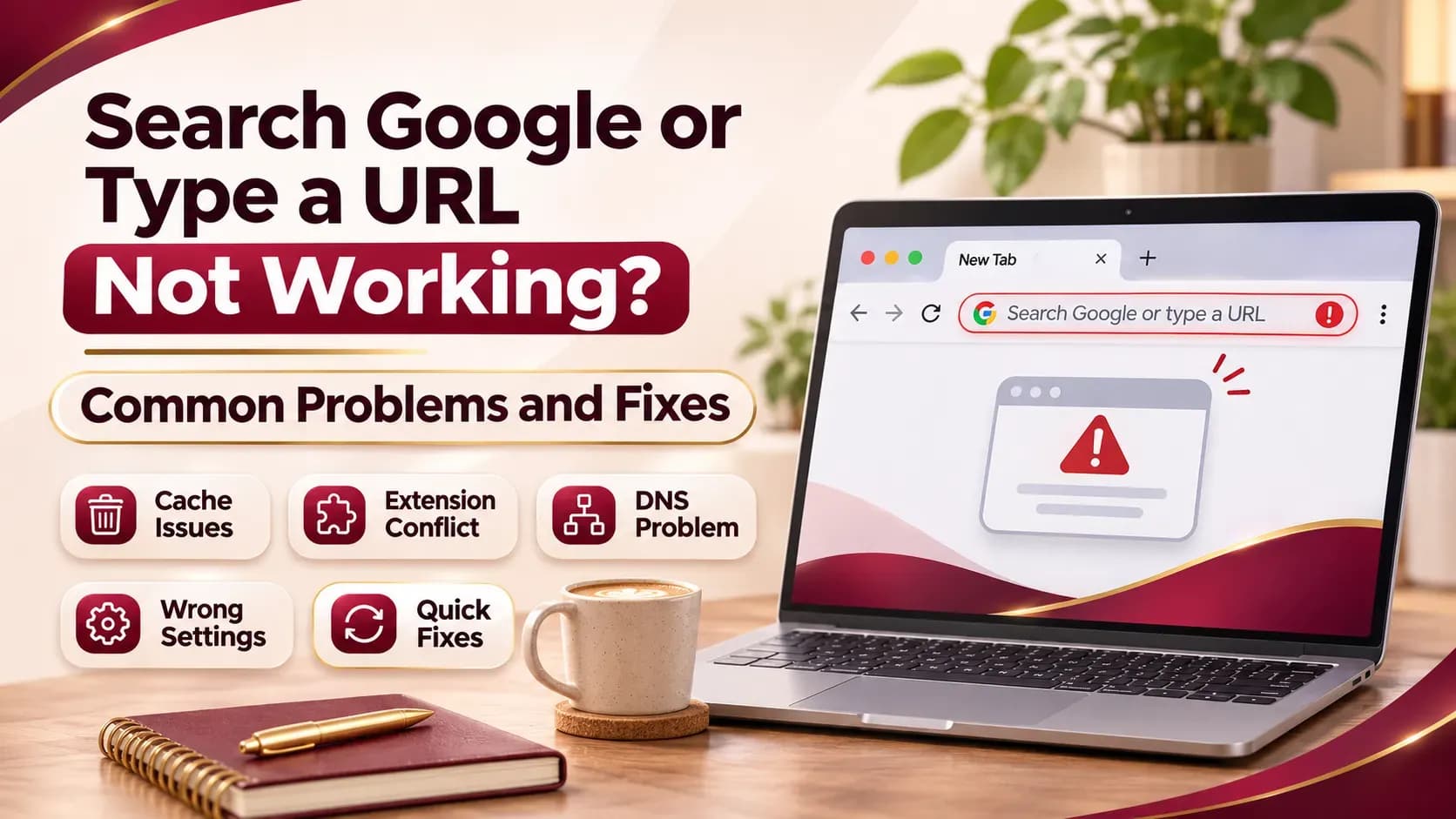
Sometimes, Chrome may fail to perform a search or open a website.
The cause could be an internet connection problem, browser configuration, incorrect URL, DNS issue, or unwanted extension.
Here are some common problems and their possible solutions.
1. Chrome Is Not Searching Google
Problem: You enter a keyword, but Chrome searches through another search engine.
Solution: Check your default search engine in Chrome Settings.
If your search engine changed unexpectedly, inspect installed extensions and check your device for unwanted software.
2. Website URL Is Not Opening
Problem: You enter a website address, but Chrome displays an error.
Solution:
- Confirm that the URL is correct.
- Check your internet connection.
- Try opening another website.
- Reload the page.
- Check whether the website is temporarily unavailable.
3. Google Search Redirects to Unknown Websites
Problem: Searching through Chrome redirects you to suspicious or unwanted websites.
Solution: Review your installed extensions and browser settings.
Remove unfamiliar extensions and scan your device with reputable security software.
4. Chrome Autocomplete Is Not Working
Problem: Chrome stops displaying expected search or history suggestions.
Solution: Check your browser's suggestion settings, internet connection, and browsing-history configuration.
Certain predictions require network access or depend on your privacy preferences.
5. Search Google or Type a URL Is Missing
Problem: You cannot see the expected placeholder text.
Solution: Check whether you are using Chrome, a customized new-tab page, or another browser.
The exact placeholder wording can differ across devices, browser versions, and settings.
You can still use the browser address bar for navigation even when the message is not visible.
6. Chrome Displays a 404 Error
Problem: The website opens, but the requested page does not exist.
Solution: Recheck the full URL and try navigating to the website's homepage.
A 404 error usually indicates that the server could not find the requested page. It does not necessarily mean your Chrome browser is malfunctioning.
Google Search Tips to Find Better Results
Knowing how to search effectively can save time and improve the relevance of your results.
Google supports useful search techniques that help users narrow down information.
1. Search Using Exact Phrases
Use quotation marks around a phrase when you want results that match the wording more closely.
Example:
"technical SEO checklist"
2. Search Within a Specific Website
Use the site: operator to narrow results to a particular domain.
Example:
site:brainadz.marketing SEO
This can help you discover indexed content associated with a website.
However, it is not a reliable method for counting every indexed page.
3. Find Specific File Types
Use the filetype: operator to search for particular document formats.
Example:
SEO checklist filetype:pdf
4. Exclude Unwanted Terms
Use a minus sign to exclude a word from your search.
Example:
digital marketing courses -paid
5. Use Specific Search Phrases
Instead of searching for SEO, try a more descriptive query such as:
how to improve website SEO for a small business
More specific queries often communicate your intention more clearly.
Google Search vs AI Search: What's Changing in 2026?
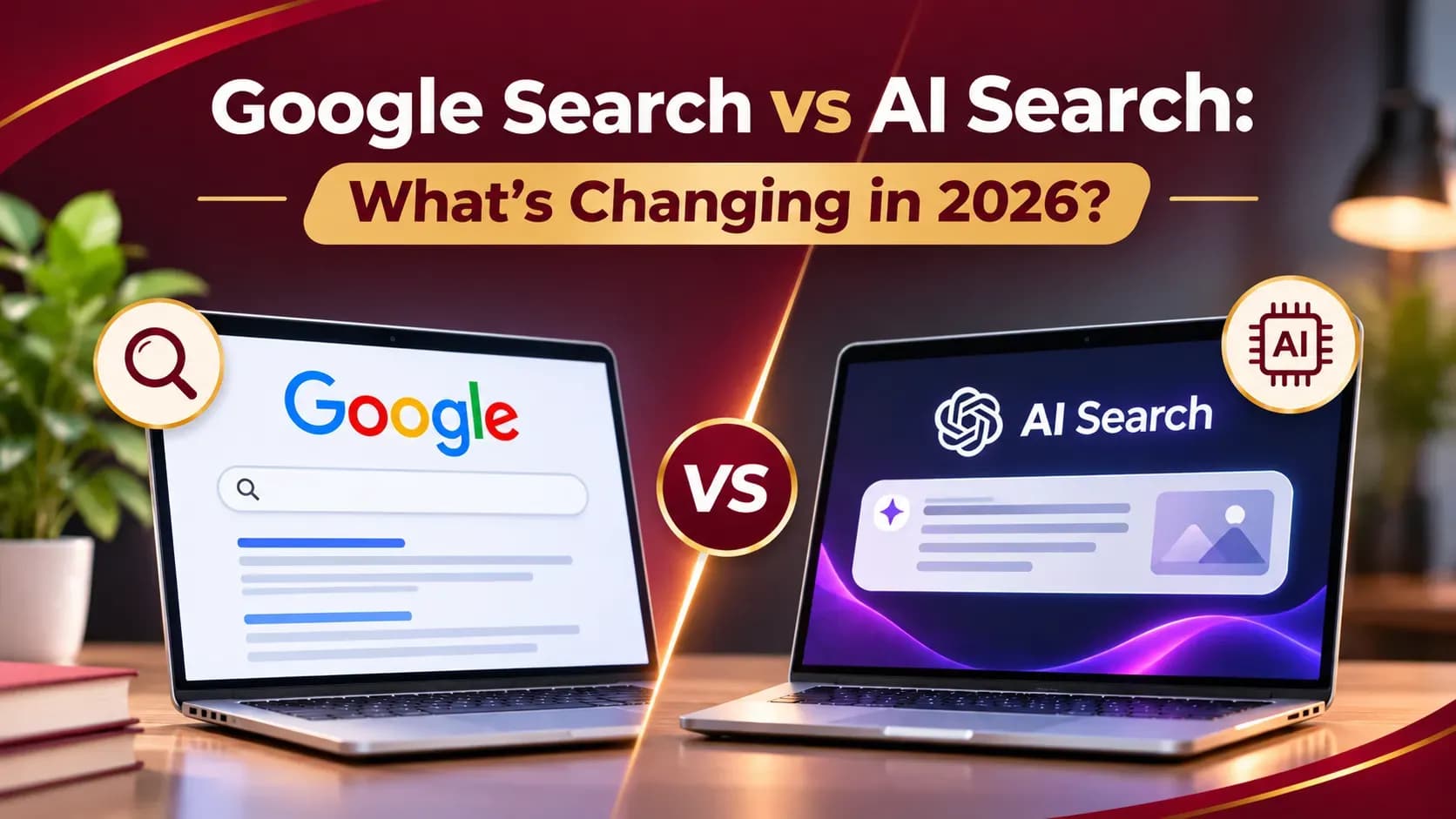
Online search has evolved beyond traditional lists of blue links.
Today, users can discover information through search engines, AI-powered search experiences, and conversational assistants.
Google offers AI-powered search experiences, including AI Overviews and AI Mode, where available.
Other platforms, such as ChatGPT Search, can also help users discover and understand information.
Traditional Google Search
Traditional search helps users discover relevant webpages and information sources.
A search results page may contain organic listings, advertisements, videos, images, and other search features.
AI-Powered Search
AI search experiences can generate answers by combining information from relevant sources.
They may also provide links that users can explore for additional details.
However, AI-generated responses can contain errors, so important claims should still be checked against reliable sources.
How Is AI Search Different From Typing a URL?
Typing a URL is a navigation action.
AI-powered search is an information discovery and answer-generation experience.
They solve different problems.
For example:
- Traditional search: What is technical SEO?
- AI-powered search: Explain technical SEO for a new ecommerce website and provide a practical checklist.
- Direct URL: https://brainadz.marketing/
Search experiences will continue to evolve, but direct URL navigation remains useful when a visitor already knows the desired destination.
How Search Google or Type a URL Affects Website Traffic
Understanding the difference between Google Search and direct website navigation is also useful for businesses and digital marketers.
Website owners frequently analyze how visitors discover their websites.
Two important acquisition channels are Organic Search and Direct Traffic.
What Is Organic Search Traffic?
Organic search traffic generally comes from unpaid search engine results.
For example, imagine someone searches Google for:
SEO services in Delhi
If that person clicks a non-ad search result that leads to an agency website, the visit can be attributed to Organic Search in Google Analytics.
Organic Search is important because it helps businesses reach potential customers who may not already know their brand.
A strong organic presence can support:
- Website visibility
- Brand discovery
- Relevant visitor acquisition
- Lead generation opportunities
- Long-term content discovery
What Is Direct Traffic?
Direct traffic generally includes visits where Analytics identifies the source as direct, such as certain visits from typed URLs or saved bookmarks.
However, there is an important distinction.
Not every visit classified as Direct in GA4 necessarily came from someone manually typing a URL.
Direct traffic can also include visits where meaningful referral or campaign information is unavailable.
For example, some untagged links or privacy-related limitations can result in unattributed visits.
Organic Search vs Direct Traffic
Factor | Organic Search | Direct Traffic |
Typical journey | User clicks an unpaid search result | User opens a known URL or bookmark |
Brand awareness required | Not necessarily | Often, but not always |
Main acquisition advantage | Discoverability | Convenient return visits |
GA4 channel | Organic Search | Direct |
Main marketing opportunity | SEO and content visibility | Brand recognition and repeat engagement |
Why Both Traffic Sources Matter
Organic Search can introduce new audiences to your website.
Direct visits can reflect familiarity with your website, although direct attribution alone does not prove brand loyalty.
A balanced digital marketing strategy should help customers discover a brand and make it easy for them to return.
How to Check Organic and Direct Traffic in Google Analytics 4
Google Analytics 4, commonly known as GA4, helps website owners understand where their traffic comes from.
To review organic and direct sessions:
- Open your GA4 property.
- Navigate to Reports.
- Open Acquisition and select Traffic acquisition.
- Review the Session default channel group dimension.
- Compare Organic Search and Direct.
- Examine engagement, key events, and other relevant metrics.
Report navigation can vary depending on the property's configuration.
Important GA4 Considerations
Google Analytics categorizes traffic using channel-grouping rules.
For example, Google's current default channel definitions recognize Organic Search, Direct, and AI Assistant as separate categories where matching attribution data is available.
Google also includes traffic from Google AI Overviews and AI Mode within its Organic Search channel rules.
For accurate reporting, website owners should regularly review acquisition data, campaign tracking, and source attribution.
Does Typing a URL Directly Improve Google Rankings?
No. Typing a website URL directly does not provide a known, direct Google ranking advantage.
Some people assume that a website receiving more direct visits will automatically rank higher on Google.
That is an oversimplification.
Google's organic rankings involve multiple systems and signals related to relevance, content, quality, usability, and other factors.
There is no reliable basis for claiming that manually typing a URL directly improves a website's search rankings.
Instead of trying to generate artificial direct visits, businesses should focus on creating useful content, improving their website experience, and building genuine visibility.
Why SEO Still Matters When Users Can Type URLs Directly
Direct URLs are useful when visitors already know where they want to go.
But what happens when potential customers have never heard of your business?
That is where search engine optimization becomes important.
SEO helps search engines discover, understand, and present relevant website content to users.
For example, someone searching for digital marketing services in India may not know which company to choose.
A well-optimized website has an opportunity to appear for relevant searches and introduce its services to potential customers.
Key SEO Practices for Better Discoverability
1. Target Relevant Search Intent
Create content that answers the questions and needs of your intended audience.
2. Improve Technical SEO
Make sure important pages are crawlable, accessible, and technically sound.
3. Create Helpful Content
Publish accurate articles, service information, tutorials, and other useful resources.
4. Optimize Titles and Headings
Use descriptive page titles and headings that communicate each page's purpose.
5. Improve Website Experience
Build a mobile-friendly, secure, and usable website.
6. Strengthen Internal Linking
Connect related pages to help visitors and search engines understand your website structure.
7. Measure Relevant Outcomes
Monitor search performance, website visits, inquiries, and conversions instead of focusing only on rankings.
At BrainADZ Marketing, our approach connects SEO with content quality, search visibility, and measurable business outcomes.
Best Practices for Safe and Efficient Browsing
Whether you search Google or enter a URL directly, following basic browsing practices can improve your online experience.
Check Website Addresses Carefully
Inspect the domain before sharing confidential information or making payments.
Prefer Secure Connections
HTTPS helps protect information in transit, but HTTPS alone does not guarantee that a website is trustworthy.
Avoid Suspicious Links
Be cautious of unfamiliar links in messages, advertisements, and emails.
Use Bookmarks for Trusted Websites
Bookmarks can make it easier to revisit important websites without retyping their addresses.
Keep Chrome Updated
Browser updates can include security fixes, performance improvements, and new features.
Verify Important Information
Compare information from credible sources, particularly for financial, medical, legal, or security-related questions.
Conclusion
Understanding Search Google or Type a URL makes everyday internet browsing easier.
Both options are useful, but they serve different purposes.
Google Search helps you discover information, compare options, and explore websites you may not know.
Typing a URL helps you visit a known website directly without navigating through search results.
For businesses, the distinction also highlights the importance of online discoverability.
A strong website should be easy to find through relevant searches and easy to revisit once users know the brand.
As AI-powered search continues to develop in 2026, useful content, clear navigation, and a strong digital presence remain valuable.
Want to improve your website's search visibility?
Explore BrainADZ Marketing's SEO and digital marketing services to build a stronger online presence, attract relevant audiences, and turn website visits into business opportunities.
Frequently Asked Questions About Search Google or Type a URL
What does Search Google or Type a URL mean?+
It means that Google Chrome's address bar can be used to search the internet or open a specific website by entering its URL.
Is it better to search Google or type a URL?+
Searching Google is better for discovering information and unfamiliar websites. Typing a URL is usually more convenient when you already know the exact website address.
What is the difference between Google Search and a URL?+
Google Search helps users discover information through search results. A URL identifies the address of a specific online resource.
Why does Chrome say Search Google or Type a URL?+
Chrome displays this message because its Omnibox combines search functionality and website navigation into one address bar.
Can I type a URL into Google Search?+
Yes. Google may interpret a URL as a search query. However, entering the URL directly into the browser address bar is generally more convenient for opening a known website.
Is Google Chrome the same as Google Search?+
No. Google Chrome is a web browser, while Google Search is a search engine. Chrome can use Google Search or another supported search engine.
Can I change Search Google or Type a URL?+
You can change Chrome's default search engine in Settings. The exact address-bar placeholder may vary depending on your browser configuration.
Why is Search Google or Type a URL not working?+
Possible reasons include internet connectivity problems, incorrect browser settings, unwanted extensions, temporary service issues, or an invalid website URL.
Does typing a URL take you directly to a website?+
Usually, yes. If you enter a valid website address, Chrome will attempt to navigate directly to that destination.
Can I use Search Google or Type a URL on my phone?+
Yes. Google Chrome on Android and iPhone supports web searches and direct URL navigation through its address bar.
Does direct traffic help SEO rankings?+
Direct traffic is useful for understanding website acquisition and user behavior, but direct visits are not an established automatic ranking boost.
What is the difference between Google Search and ChatGPT Search?+
Google Search provides search results and AI-powered search features. ChatGPT Search offers a conversational search experience that can provide sourced answers and relevant links. Both can support information discovery.
What is the shortcut to search in the Chrome address bar?+
On Windows and many desktop environments, you can use Ctrl + L to focus the address bar. On macOS, the corresponding shortcut is Command + L.
Do I need to type https:// before every website address?+
Not usually. Modern browsers can often recognize domain names and attempt to open websites using HTTPS automatically.
How can I find a website if I don't know its URL?+
Enter the business name, topic, product, or other relevant keywords into your preferred search engine and review the results.