Clear user journeys
Organize content, navigation and actions around the goals users need to complete.
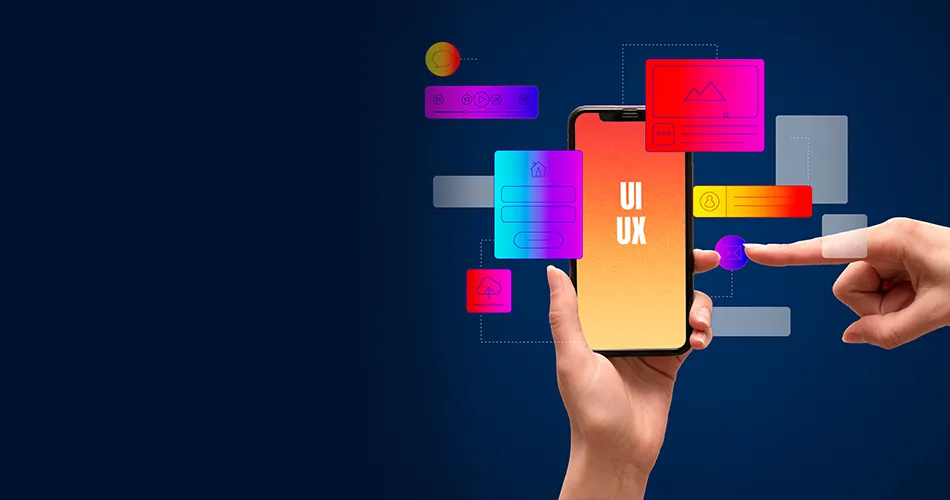
Create intuitive, consistent and conversion-focused digital experiences through research, wireframes, interface design, prototypes and usability testing.
Enquire NowOverview
UI/UX design connects business requirements with the needs and expectations of users. BrainADZ combines research, information architecture, wireframes, interface design and testing into one structured design process.
From websites and ecommerce stores to dashboards and mobile applications, every screen is planned around clarity, consistency, accessibility and measurable user actions.
Enquire Now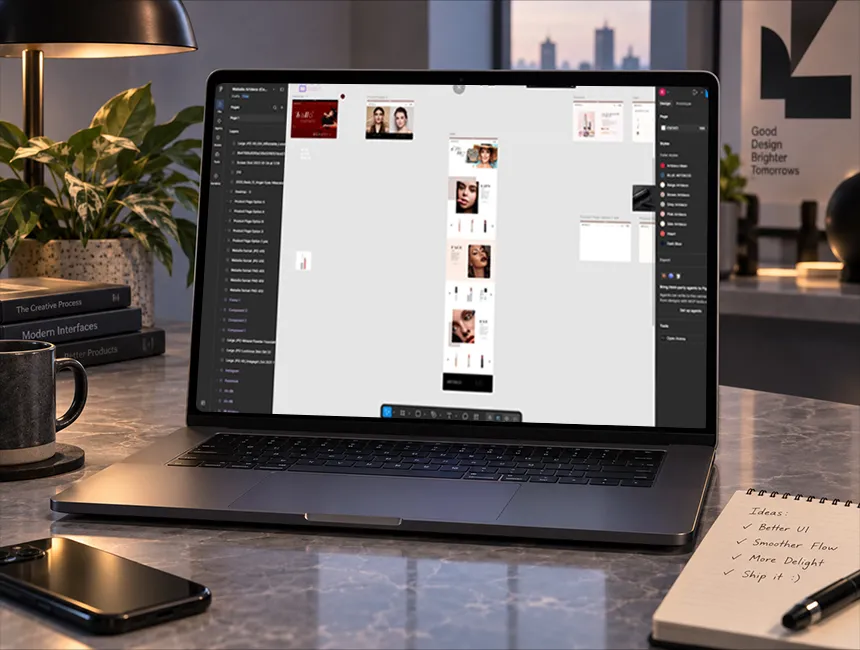
Organize content, navigation and actions around the goals users need to complete.
Build reusable visual patterns that create consistency across pages, screens and product modules.
Reduce confusion and unnecessary steps through research, testing and structured interaction design.
Align layouts, information hierarchy and calls to action with important business outcomes.
Capabilities
We begin by understanding the business objective, target audience, product requirements, current challenges and the actions users need to complete.
Research and available customer information are converted into user needs, pain points, behavioural patterns and complete journey maps.
Content, pages, modules and navigation are organized into a logical structure that helps users find information and complete tasks.
Low-fidelity layouts define screen structure, content placement, functionality and movement between important user actions.
Wireframes are converted into polished interfaces using approved brand elements, typography, colours, imagery and interaction patterns.
Clickable prototypes demonstrate navigation, interactions and important journeys before development begins.
Designs are reviewed through structured testing and feedback to identify confusion, friction and improvement opportunities.
Reusable components, typography, colours and interaction rules create consistency and make future design and development more efficient.

Every page, screen and component should help users understand information or complete a meaningful action.
Design Solutions
The experience design approach changes according to the product, users, content, tasks and business outcomes.
Responsive website experiences designed around content clarity, navigation, lead generation and brand communication.
Touch-focused mobile interfaces designed for Android, iOS and cross-platform application journeys.
Shopping journeys designed around product discovery, comparison, cart clarity, checkout and customer trust.
Data-focused interfaces that organize KPIs, tasks, filters, tables and operational actions.
Scalable product interfaces for subscription platforms, business tools and multi-user applications.
Task-focused experiences for customers, employees, vendors and internal approval processes.
UX Research
Research reduces assumptions and helps prioritize the journeys, content and functionality that matter most.
Understand who the users are, what they need and which tasks matter most within the digital product.
Outcome
Clear user priorities
Review the existing website or application for navigation, hierarchy, usability and interaction problems.
Outcome
Identified UX issues
Evaluate relevant competitor experiences to identify useful patterns, weaknesses and differentiation opportunities.
Outcome
Market experience insights
Map the complete path users follow from entry and discovery through action, completion and follow-up.
Outcome
Connected user journey
Test whether users can understand and complete important actions without unnecessary difficulty.
Outcome
Usability findings
Use available analytics, conversion information and behaviour data to identify design improvement opportunities.
Outcome
Evidence-based decisions
Design Standards
Strong UI/UX design must work for users, remain consistent across screens and give developers clear implementation direction.
Layouts and interactions are designed to help users understand information and complete actions efficiently.
Outcome
Simpler digital journeys
Colour contrast, readable typography, focus states and interaction clarity are considered throughout the interface.
Outcome
More inclusive experience
Typography, colours, spacing, components and interface states follow one connected design system.
Outcome
Recognizable interface language
Layouts and components adapt across desktop, tablet and mobile screen sizes without losing usability.
Outcome
Consistent multi-device experience
Buttons, forms, navigation and application states provide clear feedback and expected next actions.
Outcome
Predictable interactions
Components, responsive states, spacing and interaction details are documented for accurate implementation.
Outcome
Efficient design handover
Process
Research, architecture, wireframes, interface design, prototypes and testing work as one connected product-design process.
Enquire NowWe understand the business objective, target users, product requirements, technical conditions and current experience challenges.
Existing experiences, customer information, analytics, competitors and relevant user behaviours are reviewed.
User groups, needs, tasks, pain points and important product journeys are mapped and prioritized.
Pages, screens, modules, navigation, content hierarchy and functional relationships are organized.
Low-fidelity layouts define page structure, screen content, functionality and important conversion journeys.
Approved wireframes are converted into polished responsive interfaces aligned with the brand identity.
Important screens and interactions are connected into a clickable prototype for review and validation.
Important journeys are reviewed through usability testing, stakeholder feedback and design-quality checks.
Final screens, components, responsive states, specifications and interaction details are organized for development.
Deliverables
Deliverables are defined according to the product type, number of screens, research scope, user journeys and development requirements.
Reusable components and interface rules create consistency across existing screens and future product development.
A structured summary of business goals, users, product scope, current challenges and design priorities.
Practical audience profiles describing user goals, behaviours, needs and common experience challenges.
Mapped journeys covering discovery, actions, decisions, friction points and expected outcomes.
A structured plan covering pages, screens, modules, navigation and content relationships.
Visual maps showing how users move between screens and complete important tasks.
Low-fidelity page and screen layouts defining structure, content placement and functionality.
Polished responsive screens using approved typography, colours, imagery and visual components.
Clickable design flows demonstrating navigation, interactions and important product journeys.
Reusable components, styles, spacing, states and interface rules for consistent product development.
Desktop, tablet and mobile layouts for important pages, screens and components.
Documented observations, user difficulties and improvement recommendations from testing.
Organized design files, components, specifications and notes for accurate development implementation.
FAQs
Practical information about research, wireframes, prototypes, responsive designs, accessibility, testing and developer handover.
Enquire NowThe service can include product discovery, user research, UX audits, user personas, journey mapping, information architecture, wireframes, user flows, interface design, prototypes, usability testing, design systems and developer handover.
UX design focuses on how users understand and complete tasks within a digital product. UI design focuses on the visual interface, including typography, colours, spacing, components and screen presentation.
Yes. We design responsive websites, mobile applications, ecommerce stores, dashboards, portals, SaaS products and custom web applications.
Yes. We can review the current experience, identify usability and visual issues, retain useful functionality and create a revised interface and user journey.
Yes. Depending on the scope, research can include stakeholder interviews, customer interviews, analytics review, competitor analysis, surveys and usability testing.
A wireframe is a low-fidelity layout that defines page or screen structure, content placement, navigation and functionality before detailed visual design begins.
An interactive prototype connects designed screens into a clickable flow so stakeholders and users can experience important journeys before development.
Yes. A design system can include typography, colours, spacing, buttons, forms, navigation, cards, tables, states and reusable interface components.
Yes. Important pages, screens and components are designed for relevant desktop, tablet and mobile sizes according to the project scope.
Yes. We consider readable typography, colour contrast, clear form labels, focus states, interaction clarity and other accessibility-related interface practices.
Yes. We can review product discovery, product pages, cart, checkout, forms, payment communication and post-purchase journeys to identify usability improvements.
Yes. Final designs can include organized screens, reusable components, responsive states, specifications and notes required for development handover.
Timelines depend on the number of pages or screens, research requirements, product complexity, testing and review cycles. A focused website may take several weeks, while a larger application is usually designed in phases.
Yes. BrainADZ can continue from UI/UX design into website development, web application development, ecommerce development or mobile app development.
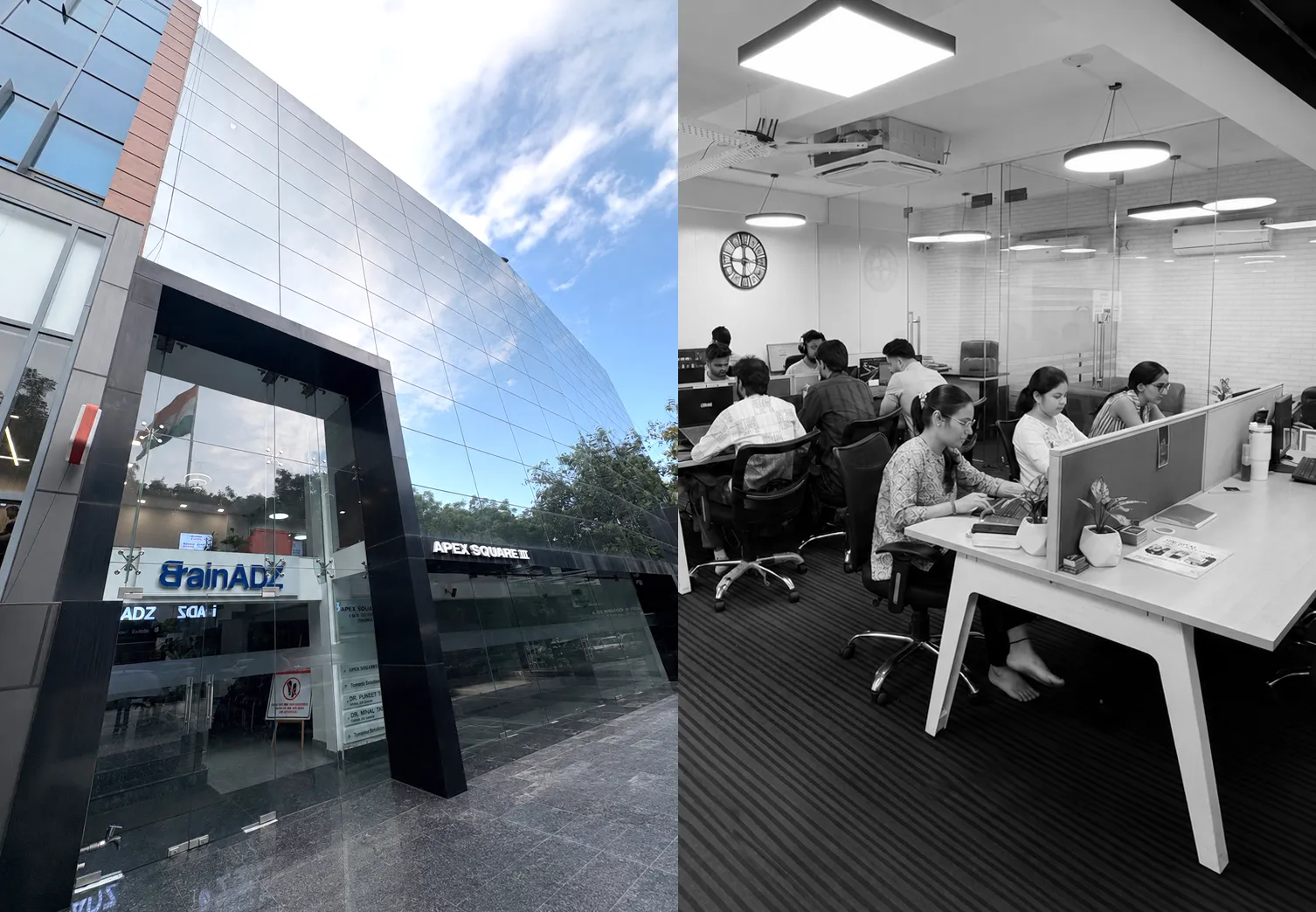
Get a clear roadmap for campaigns, creative, website, SEO, and performance before you scale your next project.